WhatsApp Business API for Small Businesses in India
 Nexora Technologies Editorial
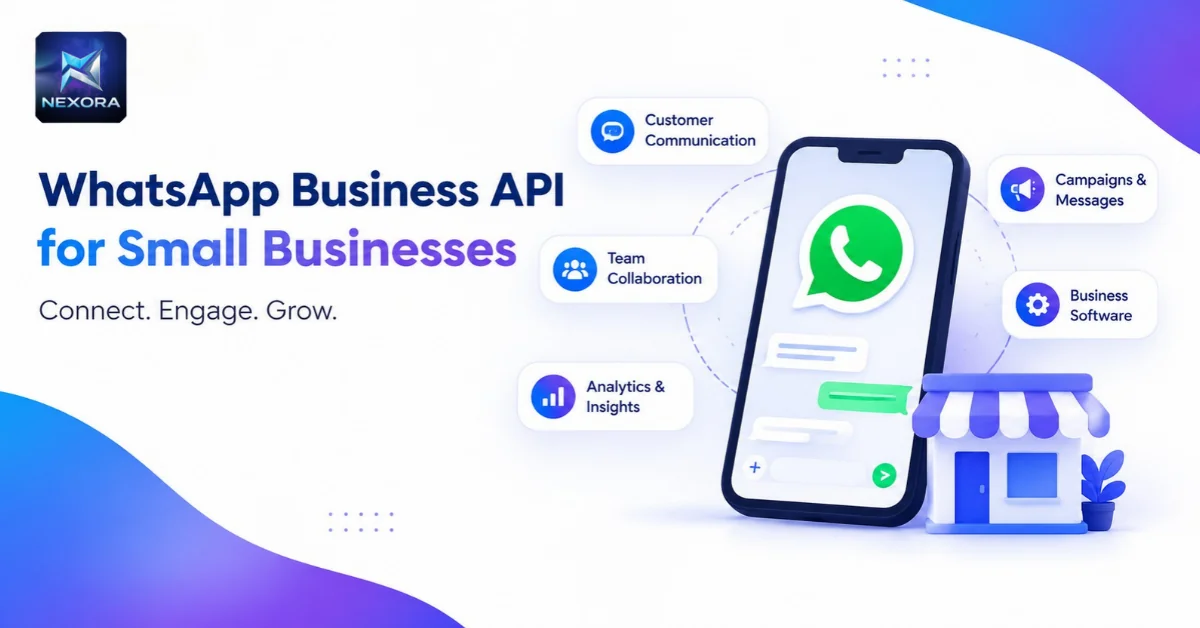
For many small businesses in India, WhatsApp is already part of everyday customer communication. It is used to answer enquiries, discuss products or services, and stay connected with customers.
As a business grows, however, it inevitably encounters growing pains: juggling multiple team members trying to reply from a single phone, lost chat histories, slow manual broadcast efforts, and the constant risk of account bans when sending marketing messages through unofficial automation tools.
This is where the WhatsApp Business API comes in. It allows businesses to connect WhatsApp with business software and use it as part of a broader, centralized customer-management setup.
But what does that actually mean for a small business in India? And when does an API-based solution make sense? Let's examine how it works and what businesses should consider before choosing one.
1. What Is WhatsApp Business API?
The WhatsApp Business API is an enterprise-grade protocol designed by Meta to connect WhatsApp directly with CRM systems, customer support platforms, and core business processes. Rather than treating WhatsApp as a standalone mobile app on a single phone, businesses can use an API-based solution as an integrated part of their wider customer-management stack.
For a small business, the important question isn't simply whether the API is available. It's whether connecting WhatsApp with business software can fit the way the company communicates with customers and manages its day-to-day operations.
2. How WhatsApp Business API Works for a Small Business
An API-based WhatsApp setup connects the messaging channel with dedicated business software. This means the business can use a powerful web dashboard and centralized platform rather than relying solely on the standard phone interface.
When a customer messages your official business number, the message routes through Meta's secure cloud servers directly into your team inbox. Multiple team members can log in concurrently from their laptops or mobile devices, assign chats to specific agents, view customer order histories, and trigger automated replies.
Key Takeaway
For a small business, the value depends on the software connected to the API and how the business wants to manage customer communication. Before choosing a solution, check exactly what the provider includes and whether it matches your company's workflow.
3. WhatsApp Business API vs Regular WhatsApp for Business
The regular WhatsApp Business app and an API-based setup are designed for very different operational scales. The free mobile app works well for a solo entrepreneur or micro-business with straightforward communication, while an API connection is built to work seamlessly with business software.
| Feature | WhatsApp Business App | WhatsApp Business API |
|---|---|---|
| Multi-Agent Team Inbox | Limited (up to 4 linked devices) | ✓ Unlimited team members |
| Broadcast Limits | Max 256 contacts (must save number) | ✓ Thousands / unlimited opt-in contacts |
| Software / CRM Integration | ✕ No API access | ✓ Full CRM, ERP, & Billing integration |
| AI Chatbots & Automation | Basic greeting & away messages | ✓ Intelligent AI bots, FAQs, webhook flows |
| Account Ban Risk | High if using scraping/bulk tools | ✓ 100% Official Meta Cloud API compliance |
| Green Tick Verification | ✕ Not eligible | ✓ Eligible for Official Meta Green Checkmark |
How Businesses Use the API
Businesses use an API connection to bring WhatsApp into their broader software environment. Depending on your business model, you can use it for:
- Automated Order Confirmations & Tracking: Sending transactional alerts, invoice PDFs, and delivery status updates immediately after a purchase.
- Shared Multi-Agent Customer Support: Allowing sales and support representatives to collaborate under a unified business number without sharing physical devices.
- Targeted Re-engagement Campaigns: Sending high-converting promotions, festive offers, and personalized reminders to opted-in customer lists.
Who Should Consider WhatsApp Business API?
An API-based solution may be worth considering for a business that wants WhatsApp to work alongside dedicated business software. It is particularly relevant when a company has outgrown a simple messaging workflow and requires a centralized, transparent way to track leads and handle customer communication.
4. What Can Small Businesses Do With WhatsApp Business API?
The practical use of an API depends on the software connected to it. For small businesses, the main consideration is whether the solution provides the tools needed to manage communication as an integral part of operations.
Nexora Technologies & Super CRM
Nexora Technologies offers Super CRM, an official WhatsApp Business API solution purpose-built for business growth. It includes high-converting template management, live shared team inboxes, automated customer tagging, broadcast scheduling, and optional AI chatbot integration.
5. Key Benefits for Indian SMBs
For an Indian small business, the value of an API-based setup depends largely on the business's own communication requirements. Connecting WhatsApp with business software provides several strategic advantages:
- Unmatched Open Rates in India: While traditional emails see 15–20% open rates, WhatsApp messages regularly achieve 90%+ open rates within the first 15 minutes.
- Professional Customer Experience: Interactive button messages (Quick Replies, Call-to-Action buttons) create an effortless shopping and enquiry experience right inside the chat window.
- Zero Data Leakage: Customer conversations are stored centrally in the company CRM rather than remaining trapped on individual employees' personal smartphones.
6. Features to Look For
When comparing WhatsApp solutions, start with the fundamentals: what access is provided, what software is included, what the subscription covers, and how the solution fits your business process.
It's equally crucial to understand exactly what the provider offers rather than assuming that every API-based service comes with identical functionality. Comparing the available tools against your actual workflow makes the decision clear.
WhatsApp Business API Access
Before choosing a provider, check exactly what WhatsApp Business API access is included. Confirm whether the subscription covers software updates, onboarding support, and template approvals, and verify whether anything else is billed separately.
7. How Much Does WhatsApp Business API Cost in India?
There isn't one single price that applies to every business solution. The overall cost depends on the provider, the software being purchased, and any other applicable charges associated with the setup.
What Determines the Total Cost?
When evaluating the WhatsApp Business API cost in India, look at the complete offering rather than only the headline starting price:
- Software Platform Subscription: The monthly or annual fee charged by the software provider (e.g., Super CRM) for the dashboard, team seats, contact storage, and automation builders.
- Meta Conversation Charges: Meta bills per 24-hour conversation window based on category (Marketing, Utility, Authentication, or Service). Top-tier providers pass these through at direct cost with zero markup.
- Taxes & Add-ons: Check whether GST (18%) is included or separate, and whether advanced AI chatbots carry additional configuration costs.
Super CRM by Nexora Technologies
Official WhatsApp Business API platform — bulk campaigns, live inbox, templates, analytics, and zero markup on Meta conversation rates.
8. Is WhatsApp Business API Right for Your Small Business?
Whether an API-based solution is right for your business depends on your current communication setup and what you want to improve. If your existing WhatsApp process is simple and works smoothly, there may be no immediate reason to change it.
However, if you're seeking dedicated business software around WhatsApp to support higher volumes and multiple staff, compare providers based on their actual offering, pricing transparency, and workflow suitability.
Signs Your Business May Need a WhatsApp API Solution
- You have multiple employees handling customer queries and need one centralized number.
- You are worried about your business phone number getting banned for sending promotional messages.
- You spend hours manually copy-pasting the same answers to frequently asked customer questions.
- You want to send automated transactional receipts or appointment reminders from your billing software.
Questions to Ask Before Choosing a Provider
- Does the provider mark up Meta's official conversation charges? (Nexora charges 0% markup).
- Are team seats and contact list sizes capped or unlimited?
- How easily can you set up automated chatbots or escalate queries to live agents?
- What level of hands-on onboarding support is offered in India?
Start With the Business Workflow, Not Just the Technology
Start by identifying what your business wants to achieve with WhatsApp. Look at how customer communication is handled today, what needs improvement, and what type of software fits that process. Choosing technology after understanding your workflow ensures you pick a solution based on practical business results.
Conclusion
WhatsApp can be an indispensable communication channel for small businesses in India, but the right setup depends on how your team operates. An API-based solution connects WhatsApp with dedicated business software, while businesses with simpler requirements may prefer to continue using their existing mobile setup.
Nexora Technologies offers Super CRM, a full-featured WhatsApp Business API solution starting from ₹12,999/year.
Ready to upgrade your customer communication?
Explore Super CRM or speak directly with our solutions team in Kolkata to assess your workflow.
Published by Nexora Technologies
We build, deploy, and maintain private AI hardware (DGX Spark, Mac mini M4) and enterprise software systems including Super CRM, NexIntel, and Super Retail Pro from Kolkata, India.